Fast Answers vs. Deep Thinking
How Founders and Entrepreneurs Should Use ChatGPT More Effectively

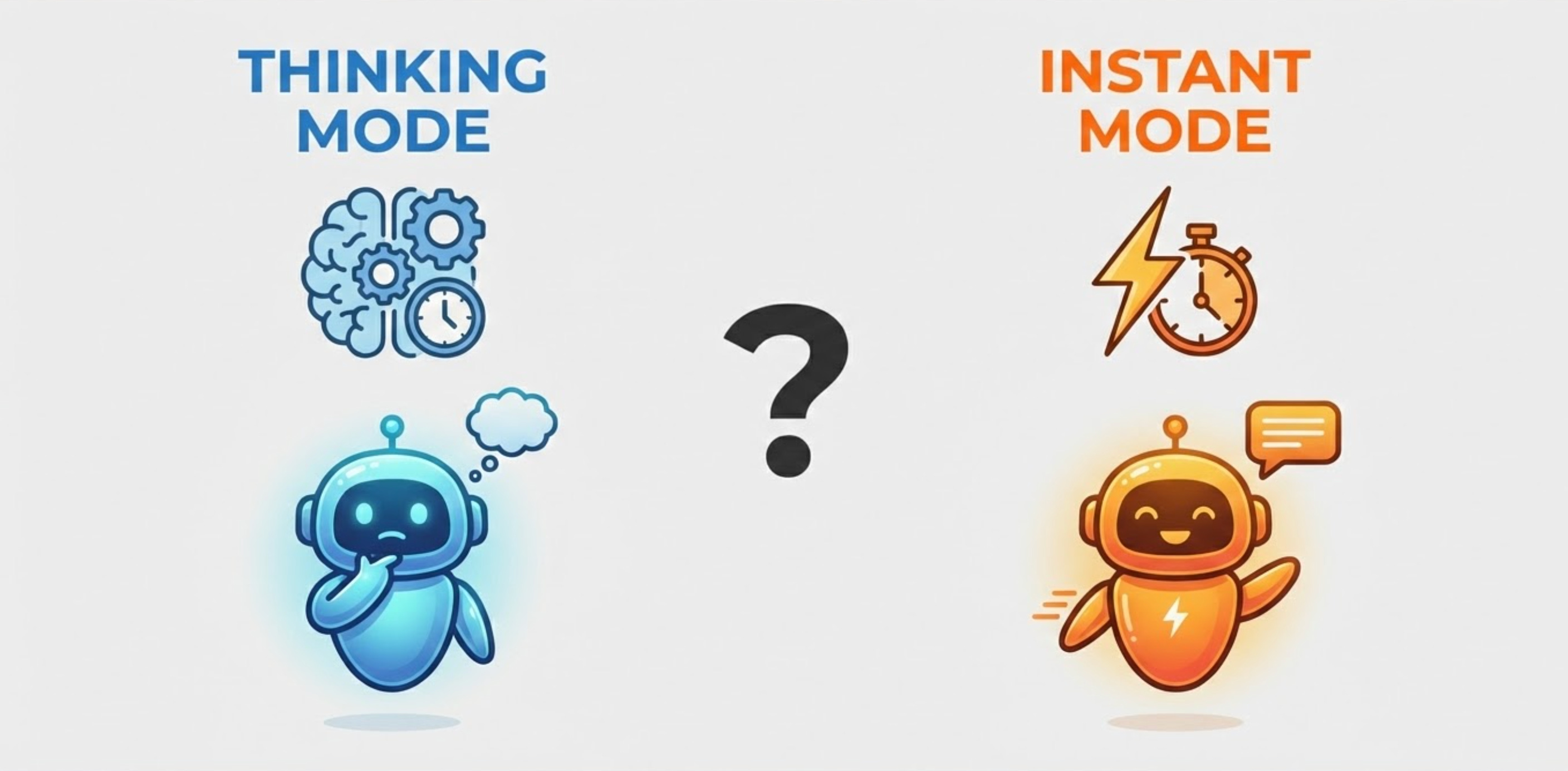
One of the most common mistakes founders make with AI isn’t what they ask—it’s how and when they ask it.
Most of us open ChatGPT, type a prompt, and expect an immediate response. Sometimes that’s exactly what we need. Other times, we actually want the model to slow down, reason through tradeoffs, and help us think more clearly.
The problem is that many people treat every AI interaction the same way. They either default to speed all the time—or they overuse “deep thinking” and end up frustrated waiting for answers that didn’t need that level of rigor.
If you’re a founder or entrepreneur, learning when to use Instant versus Thinking is a real leverage skill. Done well, it saves time, improves decision-making, and turns ChatGPT from a novelty into a reliable partner.
This post lays out a simple mental model you can start using immediately.
Two Ways ChatGPT Thinks
In ChatGPT, you’ll see three main options at the top of a conversation:
Instant – answers right away
Thinking – takes longer to produce a more thoughtful, structured response
Auto – ChatGPT decides which to use
Each has a role. The key is knowing when to be intentional.
Instant
Optimized for speed
Great for execution and momentum
Feels like a fast assistant sitting next to you
Thinking
Optimized for depth and structure
Better for ambiguity, tradeoffs, and decisions
Feels more like background analysis
Neither is “better.” The value comes from choosing the right one for the moment.
How to Use Instant vs. Thinking in ChatGPT (Step by Step)
If you haven’t paid close attention to this before, it’s simpler than it sounds:
Open a new chat (or continue an existing one).
Tap the mode selector at the top of the screen where the model type is listed.
Choose Instant or Thinking before typing your prompt.
Write your prompt and hit send.
If you choose Thinking, don’t wait—send it, go do something else, and come back in a minute or two.
Think of Instant as real-time help, and Thinking as background work.
Free vs. Paid ChatGPT (Quick Clarity)
A common misconception:
You do not need to pay to see or try Instant and Thinking.
Both modes are visible on free and paid versions.
What the paid version gives you is:
More consistent access
Better performance under load
Fewer limits when using Thinking
If you’re experimenting casually, free is fine.
If ChatGPT is becoming part of how you work and think as a founder, the paid version tends to feel more dependable day to day.
When Instant Is the Right Choice
Instant mode is ideal when you want momentum, not perfection.
1. Writing and Drafting
Use Instant for:
Social posts
Email drafts
Landing page headlines
Rough positioning statements
If you’re going to edit it anyway, speed wins.
2. Summarizing and Translating
When you want:
A quick summary of an article or deck
Bullet points from notes
Plain-English explanations
You’re not asking ChatGPT to decide—just to compress information.
3. Lightweight Brainstorming
Instant works well for:
Marketing ideas
Event formats
Feature lists
Name ideas
You want volume, not rigor.
When Thinking Is Worth the Wait
Thinking mode is for decisions that compound.
1. Pricing and Business Model Questions
Examples:
“How should I price this for different customers?”
“What are the tradeoffs between these models?”
“What assumptions am I making?”
Thinking mode is better at surfacing structure and second-order effects.
2. Strategy and Tradeoffs
If your prompt includes:
“Help me think through…”
“Compare these options…”
“What am I missing?”
That’s a Thinking question.
3. Complex Human Situations
Use Thinking for:
Difficult customer conversations
Co-founder or team decisions
Compensation or role design
Nuance matters here.
What About Auto Mode?
People often ask:
“Should I just leave it on Auto and let ChatGPT decide?”
Auto is fine—especially when you’re exploring or moving quickly.
But founders get more leverage when they’re intentional.
A simple coaching frame:
Auto → “I’m exploring”
Instant → “I need speed”
Thinking → “This matters”
Auto is convenience.
Choosing the mode yourself is leverage.
One Workflow Tip That Changes Everything
If you remember nothing else, remember this:
Don’t sit and wait for Thinking mode.
Send the prompt.
Switch tasks.
Come back later.
Treat it like background work—just like you would with a human advisor.
Final Thought
AI isn’t just a tool for output.
It’s a tool for judgment—if you use it that way.
The founders who get the most value from ChatGPT aren’t the ones asking more questions. They’re the ones asking the right kind of questions at the right speed.
Use Instant to move.
Use Thinking to decide.
And don’t confuse the two.
Want the Prompt Pack?
Inside the SuperSmall community, we’ve put together a practical prompt pack that includes:
Ready-to-use Instant prompts for common founder tasks
Thinking prompts designed for strategy, pricing, and decision-making
A simple cheat sheet you can reference before choosing a mode
If this post was useful, the prompt pack is designed to make it immediately actionable.
Membership in the SuperSmall community is $99/month or $999/year, with a 30-day money-back guarantee, so there’s no risk—just a bit of friction.